
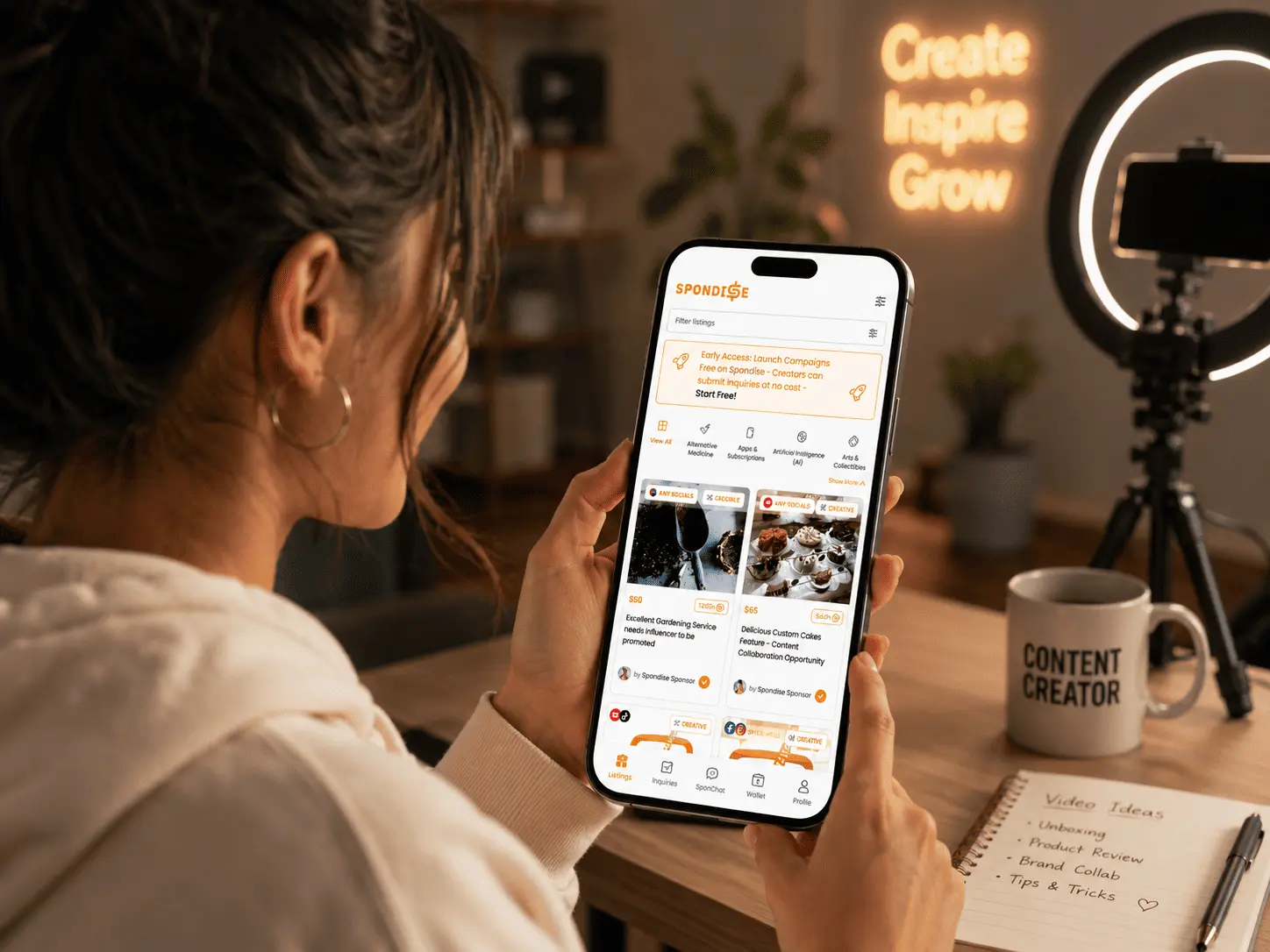
How Creators Apply to Listings on Spondise
2 minutes and 28 sec
Share this article

Spondise Team
How Creators Apply to Listings on Spondise
A Step-by-Step Guide for Creators
Applying to a sponsorship listing on Spondise follows a structured process designed to ensure fair selection, clear expectations, and protected payouts. This guide explains how creators browse listings, pass eligibility checks, submit inquiries or offers, and what happens next.
Step 1: Browse Available Listings
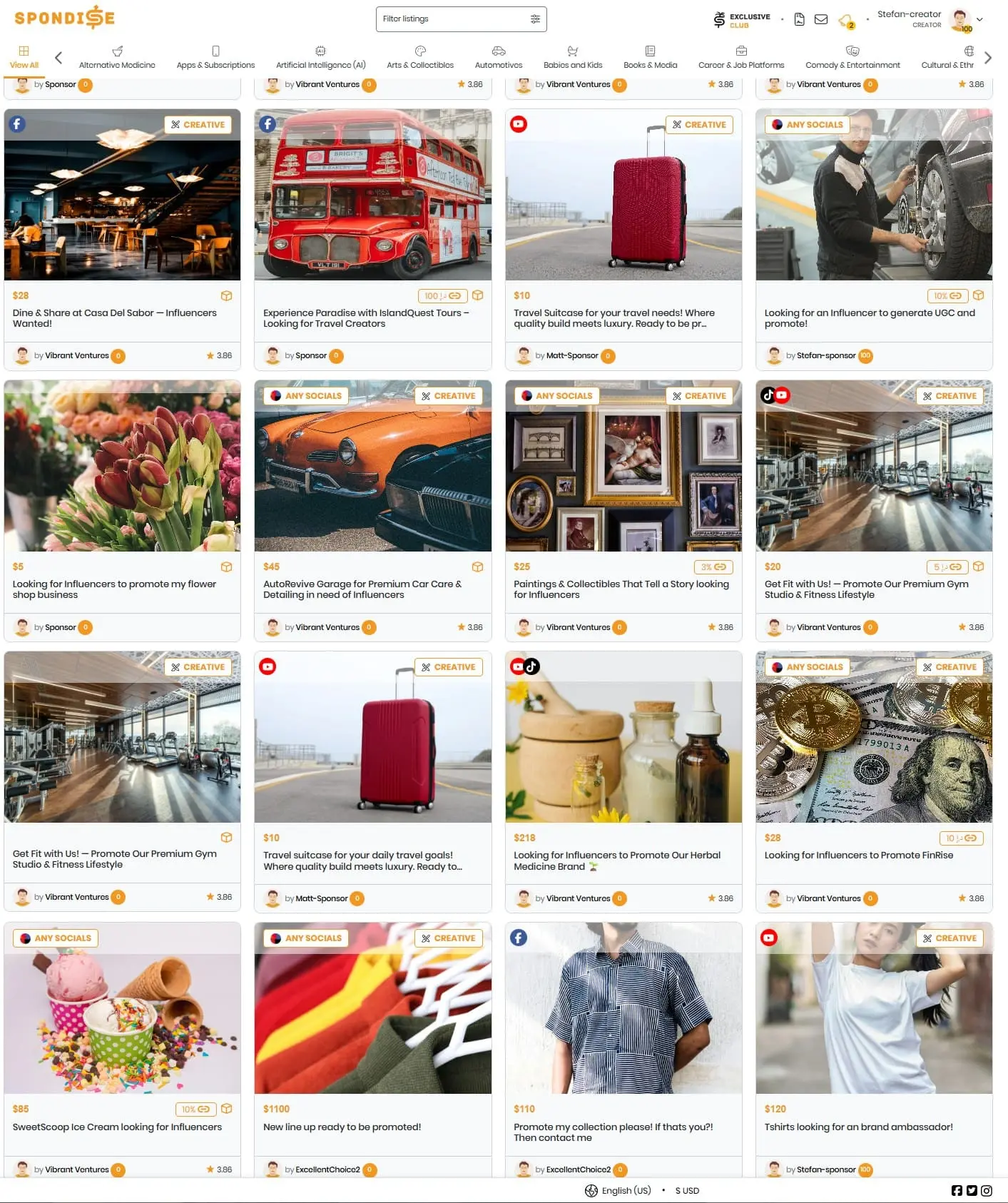
Creators can browse all public sponsorship listings without verification. Each listing card shows the commission type, content mode, and platform requirements at a glance.
Listings may be marked as: Any Social Media, Creative Mode, or with specific platform requirements depending on the sponsor’s setup.
Step 2: Review Listing Details Carefully
Before applying, review the listing page in full. This includes creator requirements, content expectations, legal terms, and the workflow steps required to complete the contract.
- Minimum social media requirements
- Allowed content class and content type
- Creative Mode or Sponsor Provided Content
- Number of available contract slots
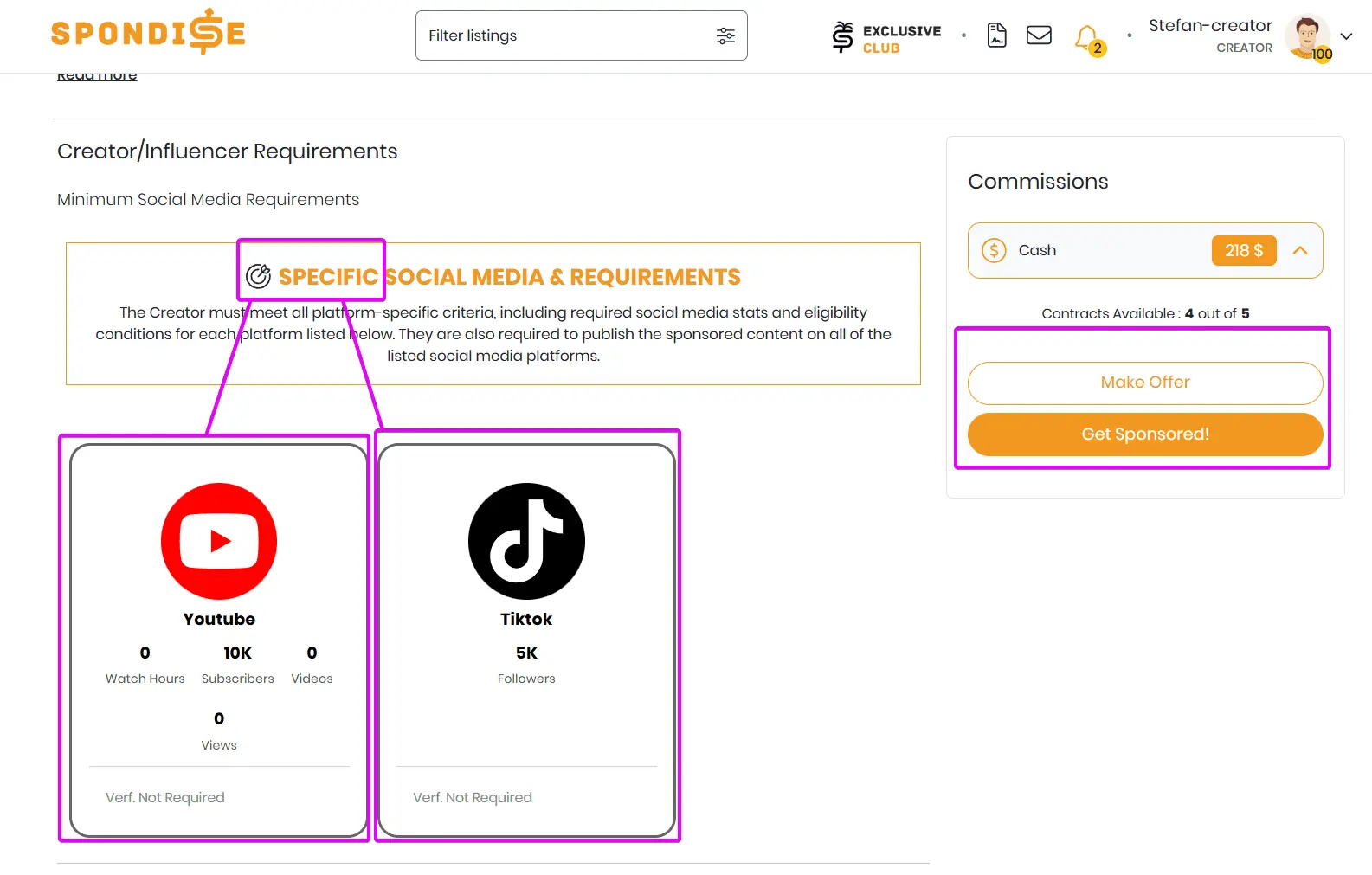
Some listings allow any platform, while others require specific platforms such as YouTube or TikTok, including minimum follower or account criteria.
Step 3: Eligibility Check
When you click “Get Sponsored”, Spondise automatically checks whether your profile meets the listing’s requirements.
If your profile does not meet the criteria, you will see a clear message explaining what is missing and be prompted to update your profile.
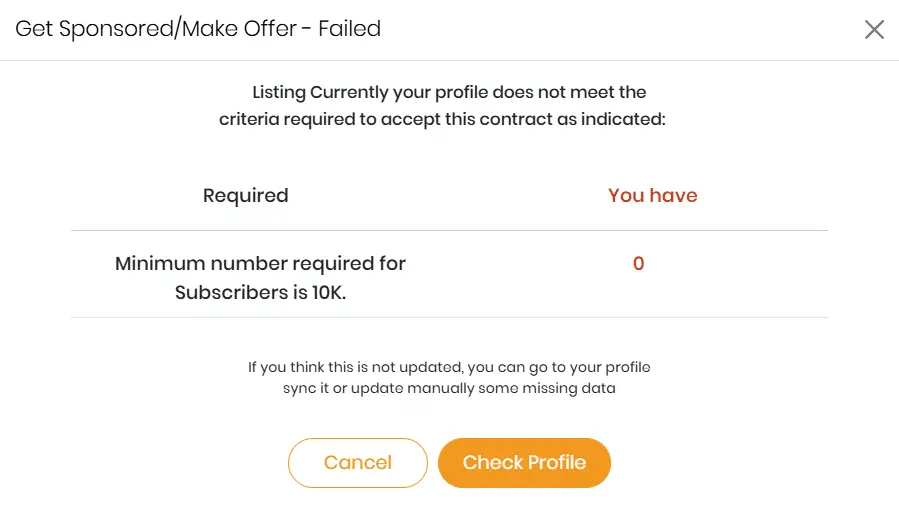
Step 4: Submit an Inquiry or Make an Offer
If you pass the eligibility check, you can submit an inquiry for the listing. Depending on the sponsor’s settings, you may also submit a counter-offer instead of accepting the default commission.
- Cash commission may be fixed or negotiable
- Affiliate or product-based rewards may be included
Each inquiry applies to a single contract slot. Listings with multiple slots allow multiple creators to be accepted independently.
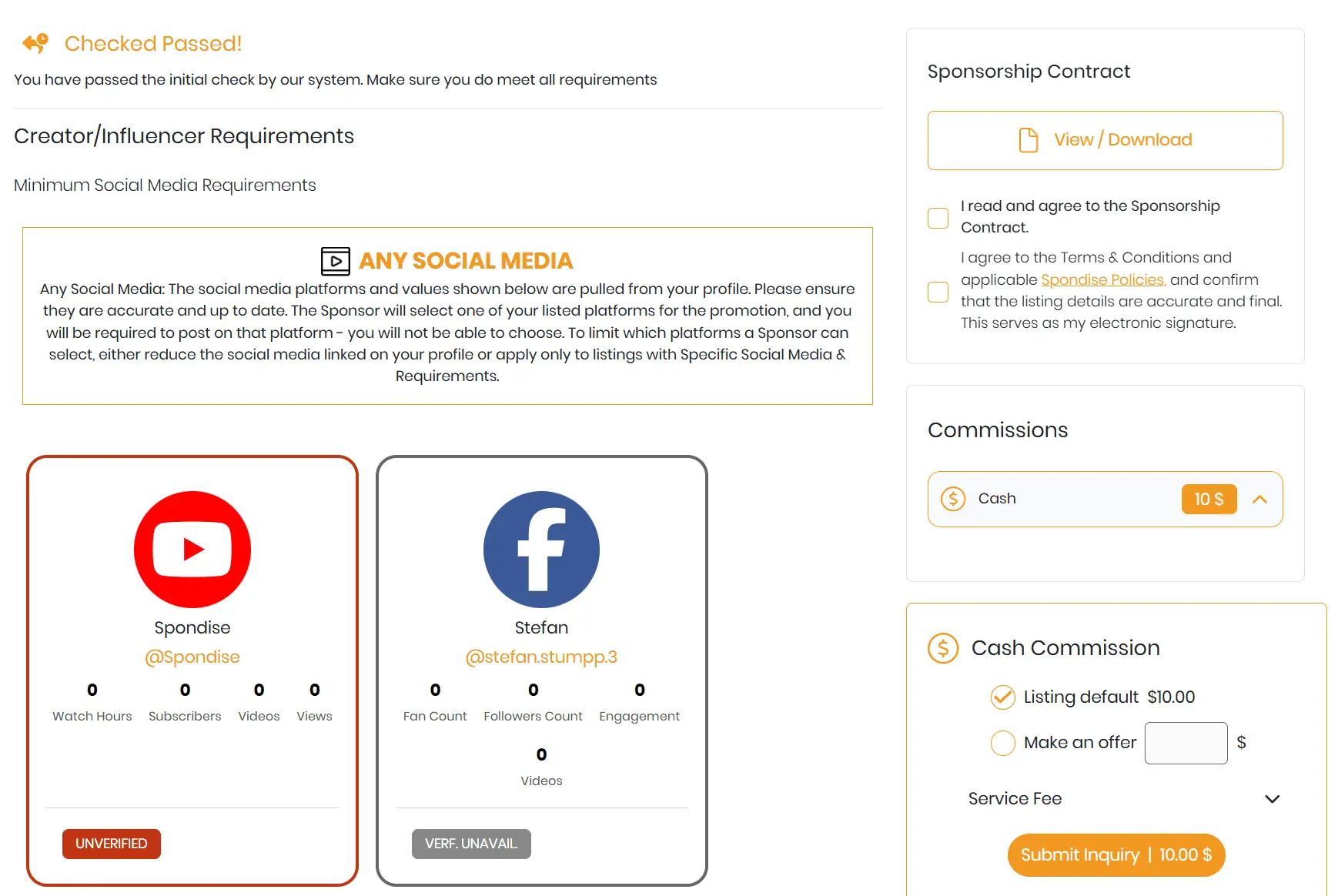
Step 5: After You Apply
Once submitted, your inquiry is sent to the sponsor for review. Sponsors have up to 72 hours to accept or decline.
- You may withdraw your inquiry before it is accepted or declined
- You can apply to the same listing more than once
- Creators do not see other creators’ inquiries or offers
If accepted, your contract becomes active and you can begin working according to the listing’s workflow and requirements.
What Happens Next
After approval, you will follow the defined workflow steps such as draft submission, sponsor review, and final content delivery. Payment is released only after the required steps are completed and approved.
Share this article
Subscribe for the latest methods to improve revenue!
I am a